Take the order. Make it. Know your numbers.
One system for the till, the kitchen and the office, on a tablet or phone. It keeps selling when the internet drops.
hello@orvopos.com
Why ORVO
Works without the internet.
Your tills talk to each other over the shop's own Wi-Fi. When the line drops, orders keep going and the kitchen keeps cooking. Everything catches up when it comes back.
Built for Irish VAT.
The same item can be on one rate eaten in and another taken away. When Revenue changes a rate, ORVO changes on the day. Last year's figures stay as they were. DRS deposits go on their own line, with no VAT on them.
Costs from your real dockets.
Take a photo of the supplier's docket. ORVO reads it and updates your stock and your costs, so your margins are based on what you actually paid.
One system, counter to office.
Till, kitchen screens, stock, rosters, loyalty and vouchers share one login and one set of figures. Nothing to join up.
Built in real food shops.
ORVO was built and tested in our own food shops in Ireland, in real service.
Updates itself.
The till updates itself, ready the next time it's closed and opened. Nobody has to call out.
From the counter to the office
The till, the kitchen, the screen your customer sees and your own website for the figures. One system, set up once.
Ring it up in a few taps
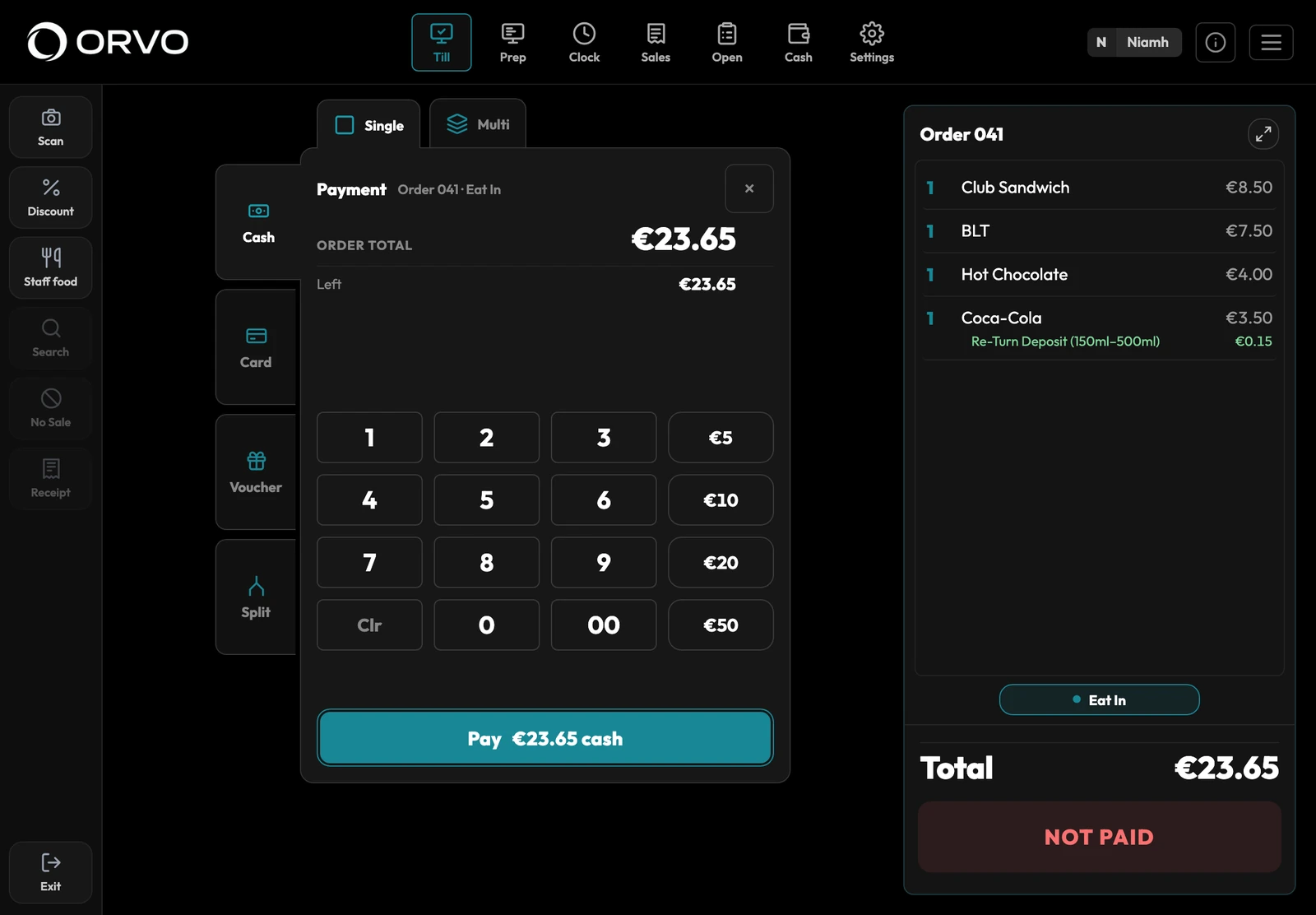
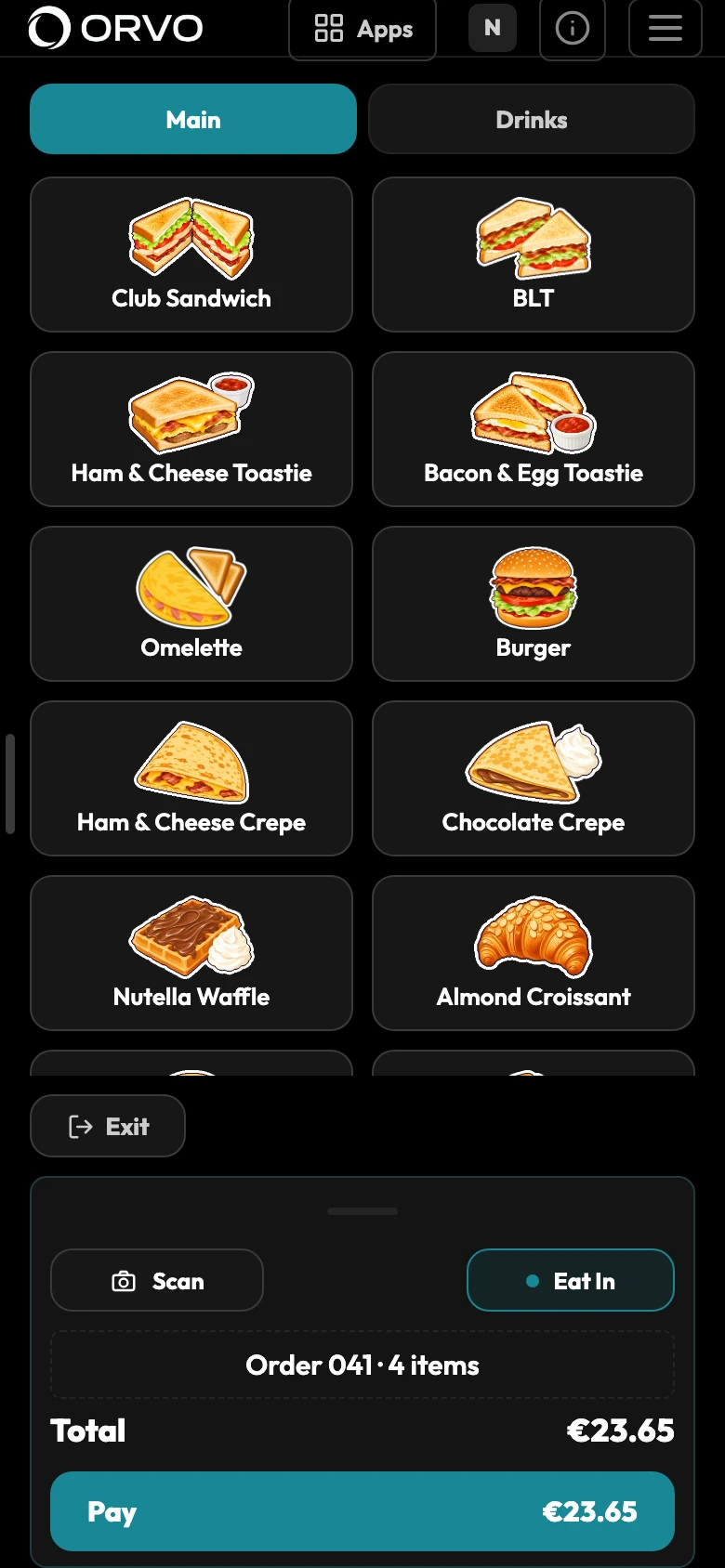
Tap the item and the till asks what it needs: the size, the milk, anything to add or take off. The order builds beside it as you go.
- Take cash, card or a gift voucher, or split the bill evenly, by item or by amount.
- Staff sign in with a PIN, or by scanning the pass on their phone.
- Discounts and refunds can ask for a manager.
- Mark an item sold out on the till. When an ingredient runs out, every item made with it goes too.
- The internet goes down and the till keeps selling. Sales send when it is back.
The customer sees their order
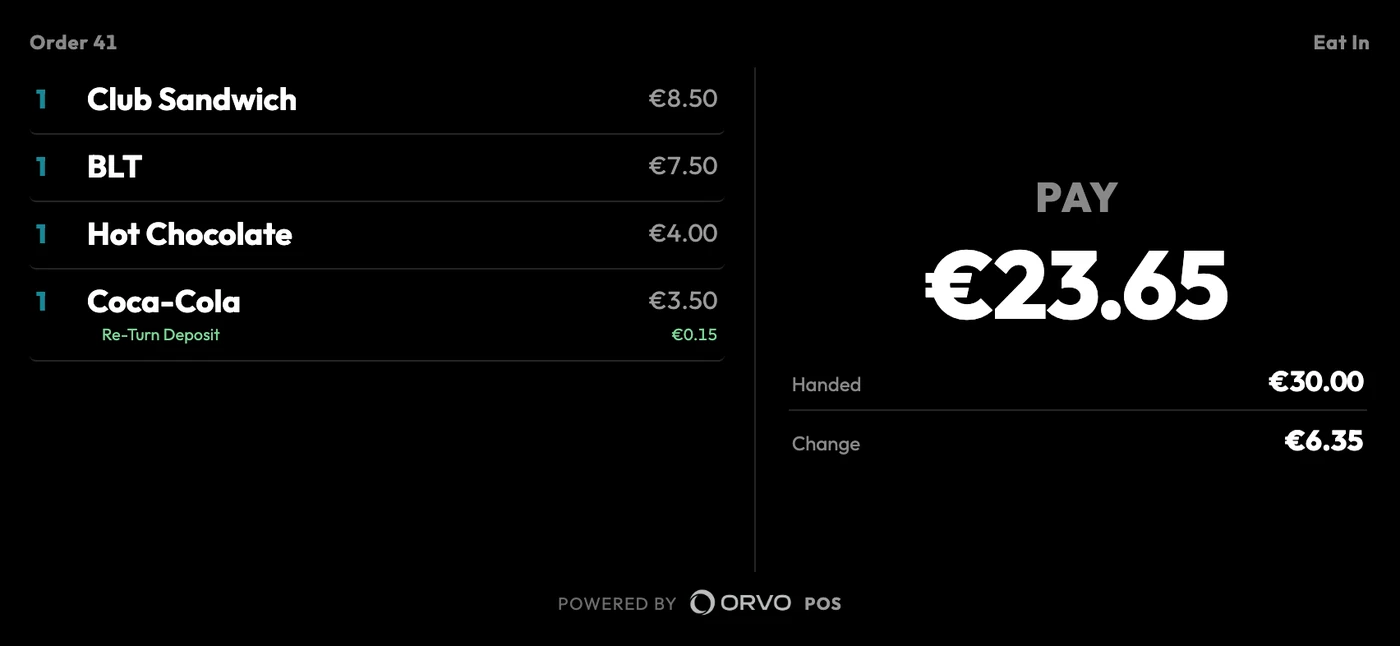
A spare phone or small tablet on the counter shows each item as it is rung, the total and the change. It talks to the till over your shop Wi-Fi.
- Your own logo on the welcome screen.
- The order number shows large once it is paid.
- A code on the screen to scan for the receipt.
Orders go straight to the kitchen
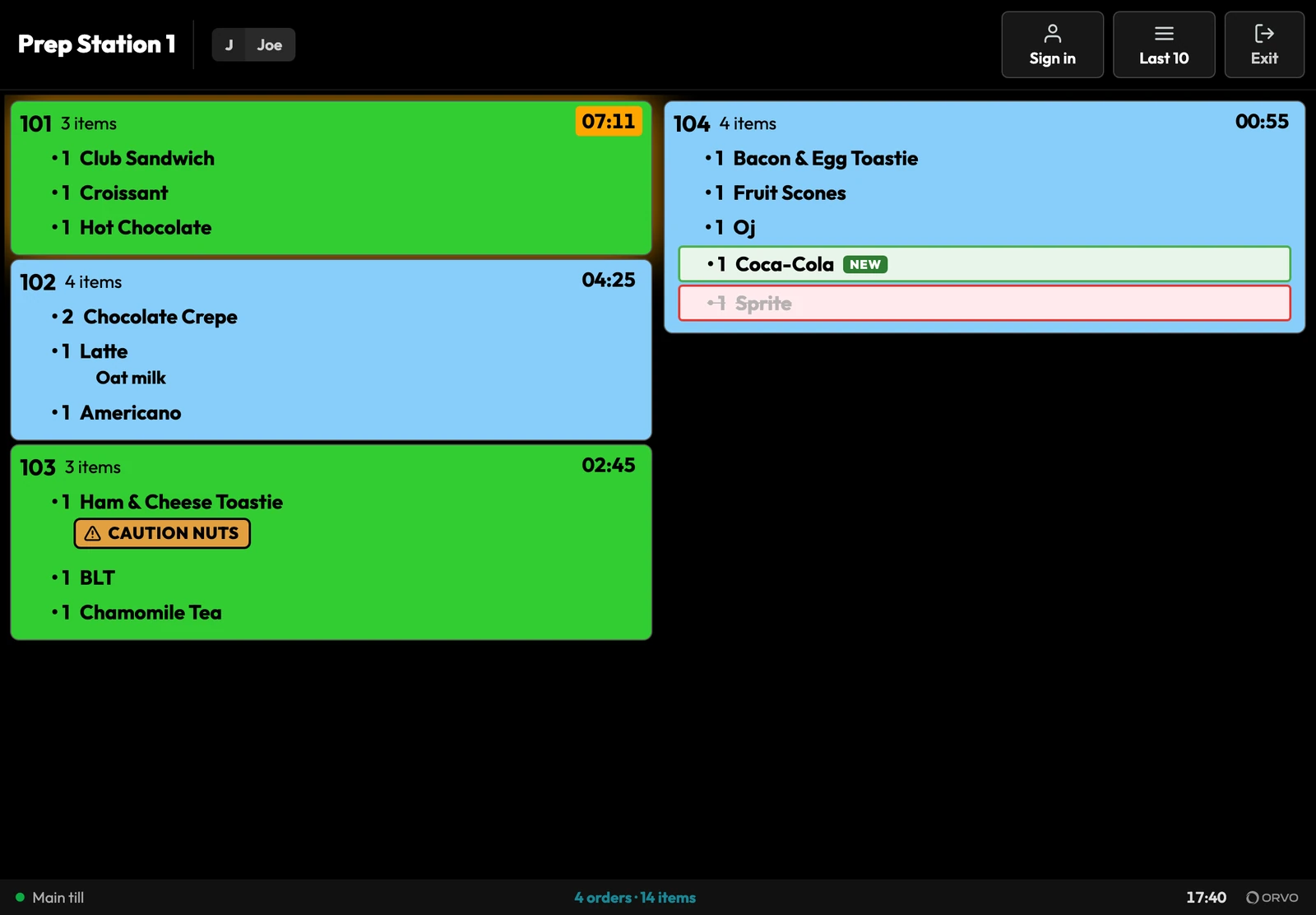
Every order reaches the kitchen screen the moment it is placed. Each screen shows only what it makes, so drinks and food can go to different places.
- Eat in and takeaway in different colours.
- An order turns amber, then red, the longer it waits.
- Allergy answers stand out on the ticket.
- Pause an order, move it to another screen or split it.
- A Collect screen shows Waiting, Making and Ready.
- See how long each order took to make.
- Runs over the shop Wi-Fi, with or without the internet.
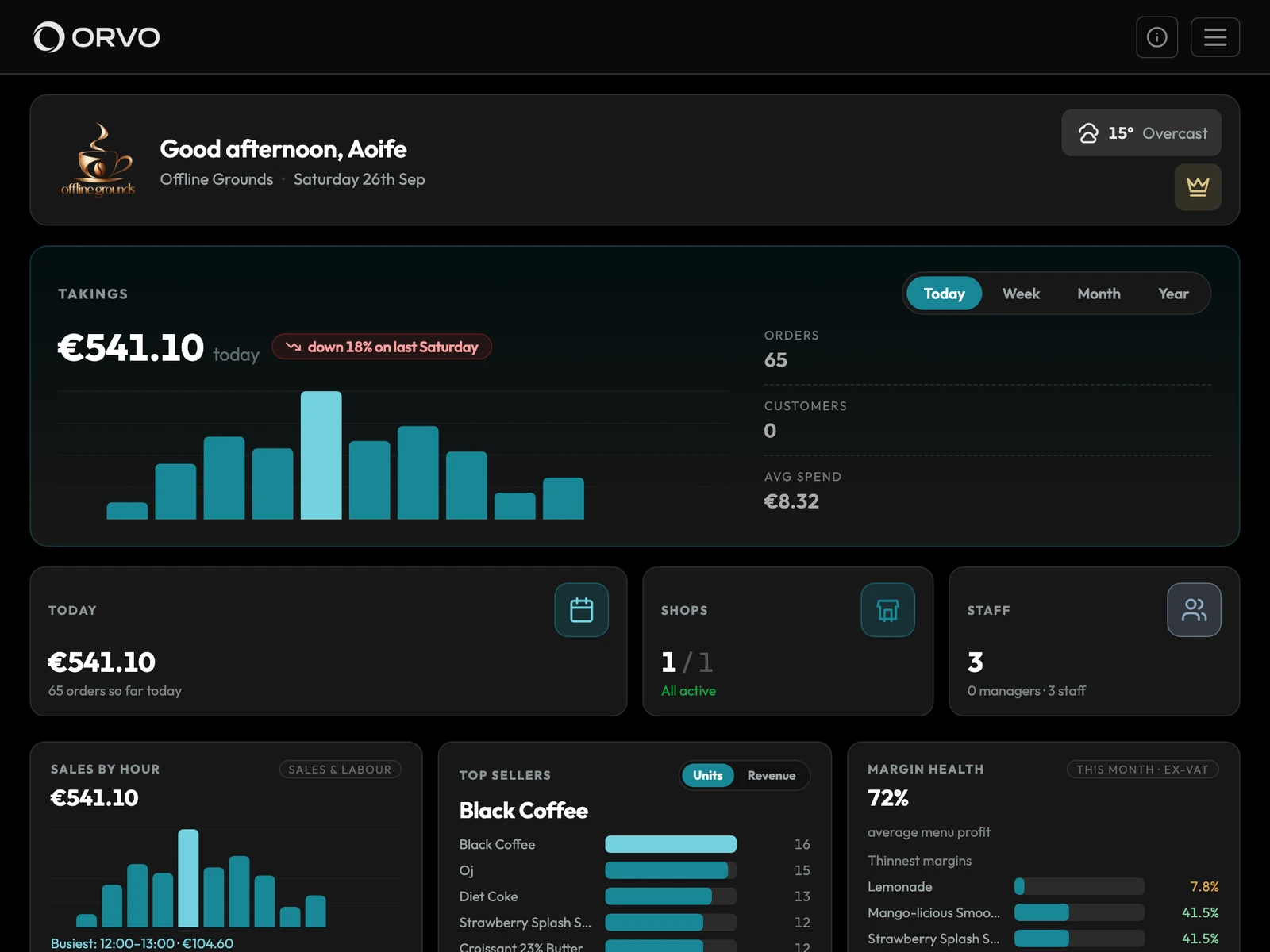
Your business on one screen
Your own website at my.orvopos.com shows today's takings, orders, top sellers and margins. On a laptop, a tablet or your phone.
- Today, this week, this month or the year.
- One shop, or every shop together.
- Ask ORVO a question about your own figures and it answers.
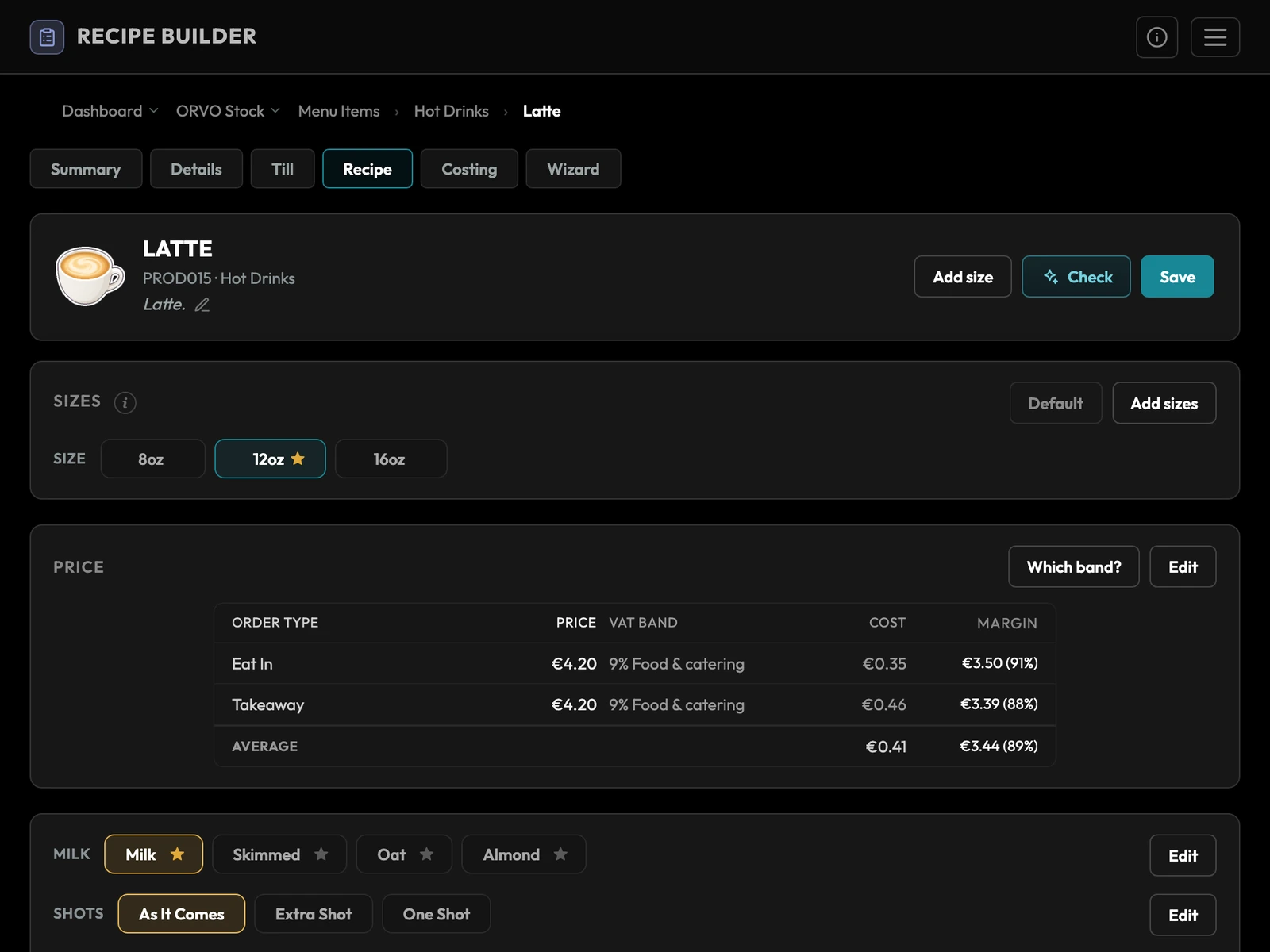
Know what every item costs you
Build each item from its recipe. ORVO works out what it costs you and your margin, for each size and each order type, before VAT.
- Lay out the till from your desk and publish it to every till.
- Prep labels print with the allergens on them.
- Each price carries its VAT band, eat in and takeaway.
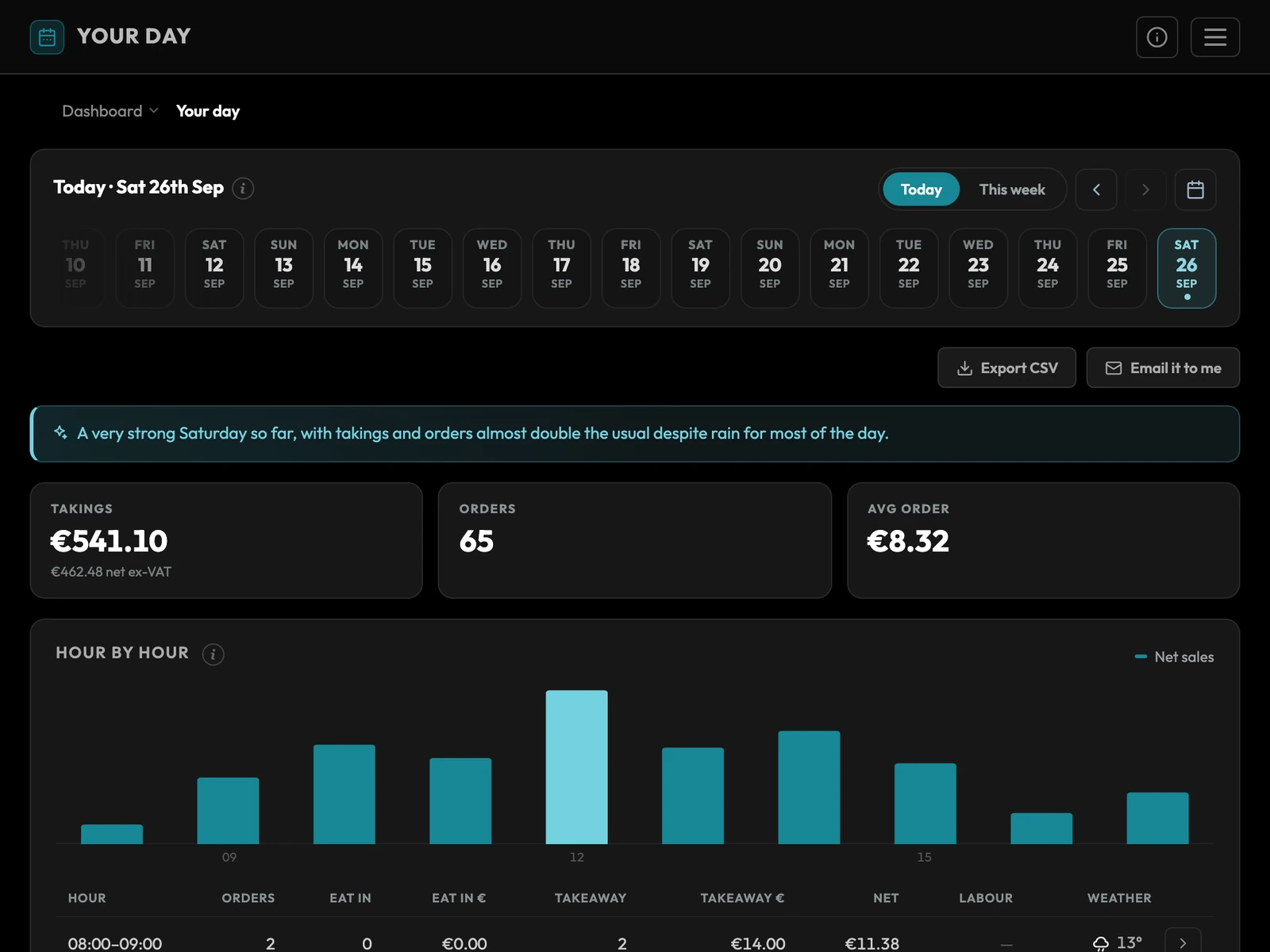
See how the day went
Your day shows takings hour by hour, eat in against takeaway, with the weather beside each hour. Sales and labour, VAT by band, cash up and refunds sit in the same place.
- Pick any day, or the week so far.
- Export a report, or email it to yourself.
- Every receipt is kept for six years, for Revenue.
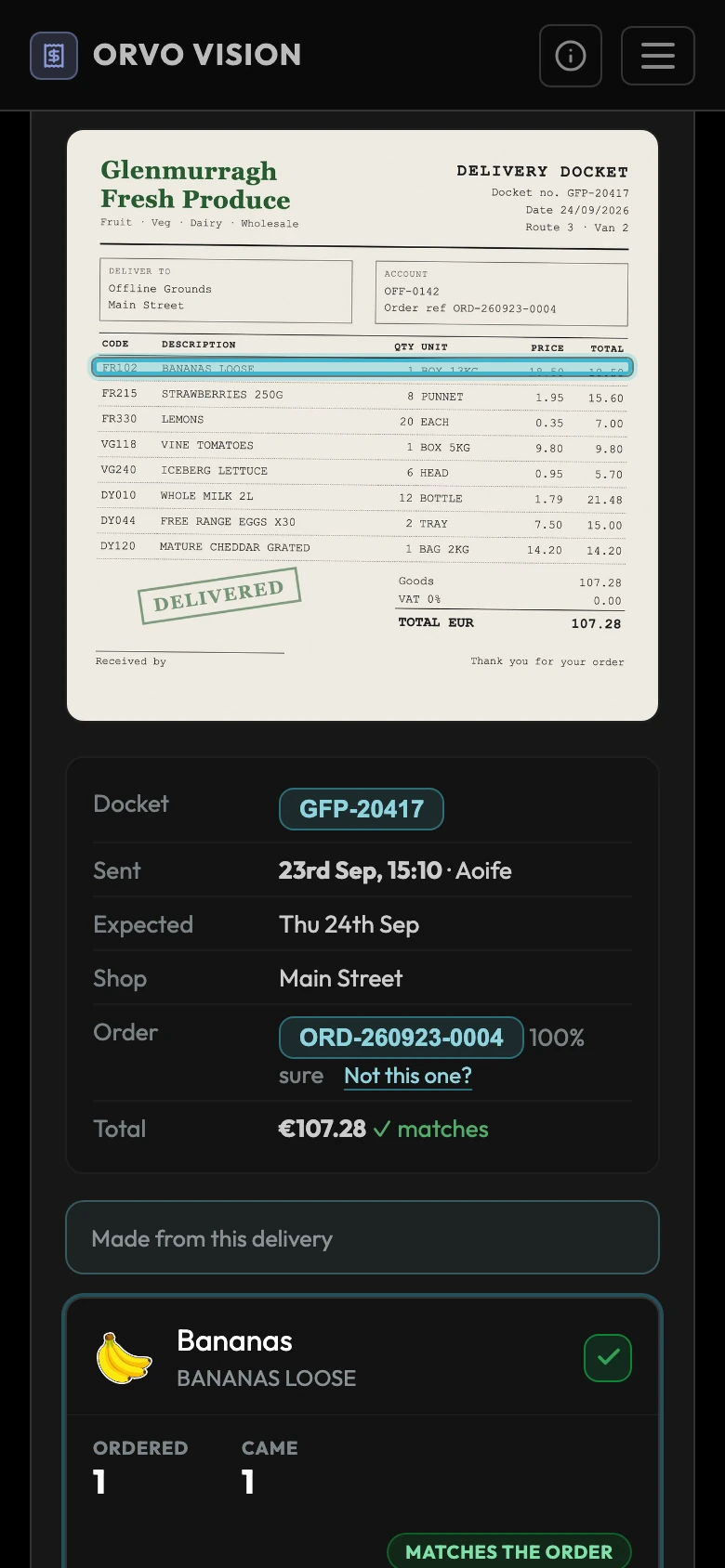
Scan the docket. ORVO reads it.
Scan a supplier docket with the ORVO Vision app. ORVO reads every line and every price into your stock inbox, ready to check in.
- Order from your suppliers and check deliveries in against the order.
- Count what is on the shelf with a stock take.
- Item costs keep themselves up to date.
Rosters, clocking in and wages
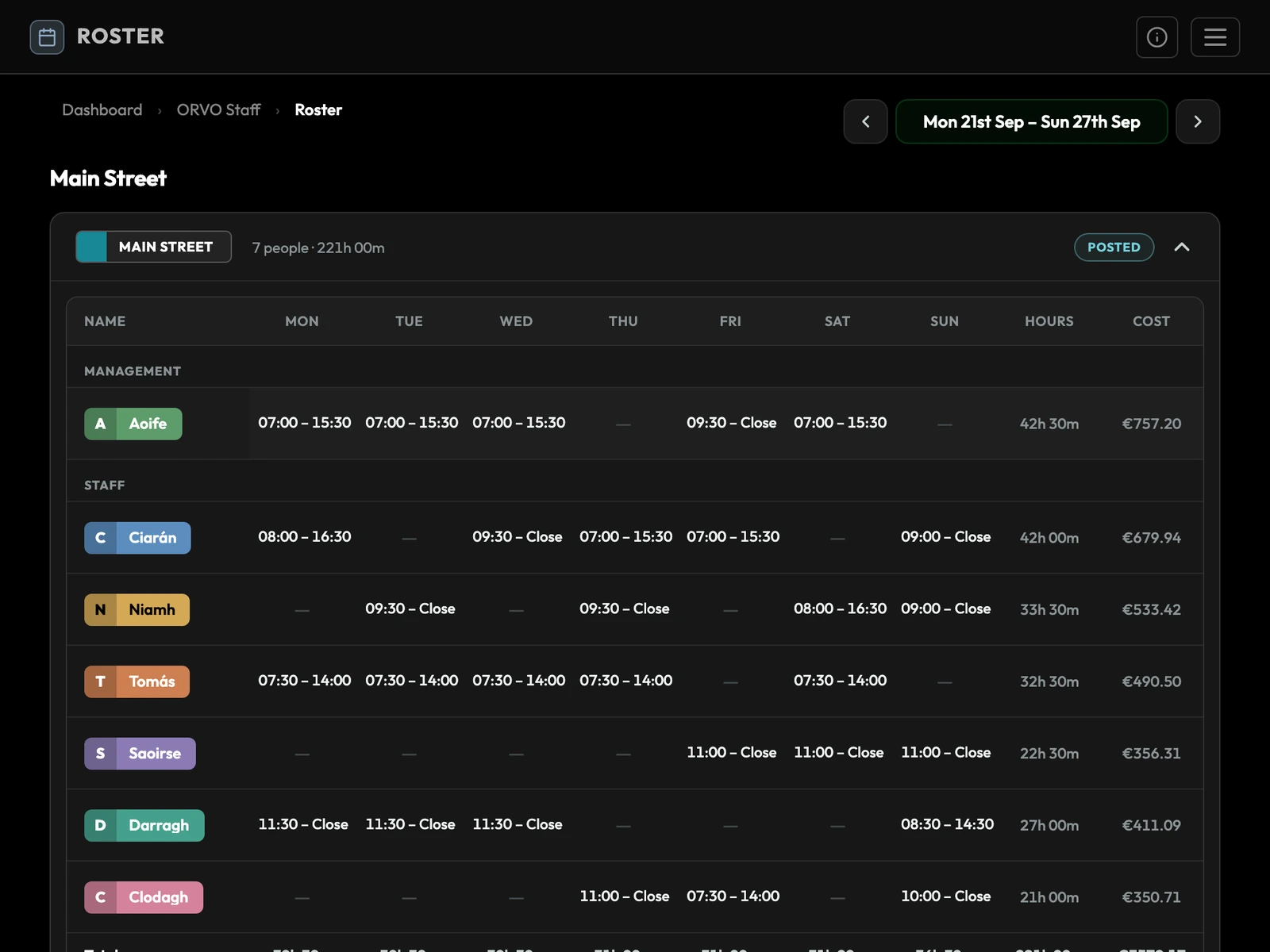
Build the week's roster. Staff clock in and out by scanning the pass on their phone at the till, even with the internet down.
- Each person's hours and wage cost for the week, from your own pay rules.
- Staff see their own roster and hours on their phone.
- Day off and holiday requests, and shift swaps.
A loyalty card in their phone
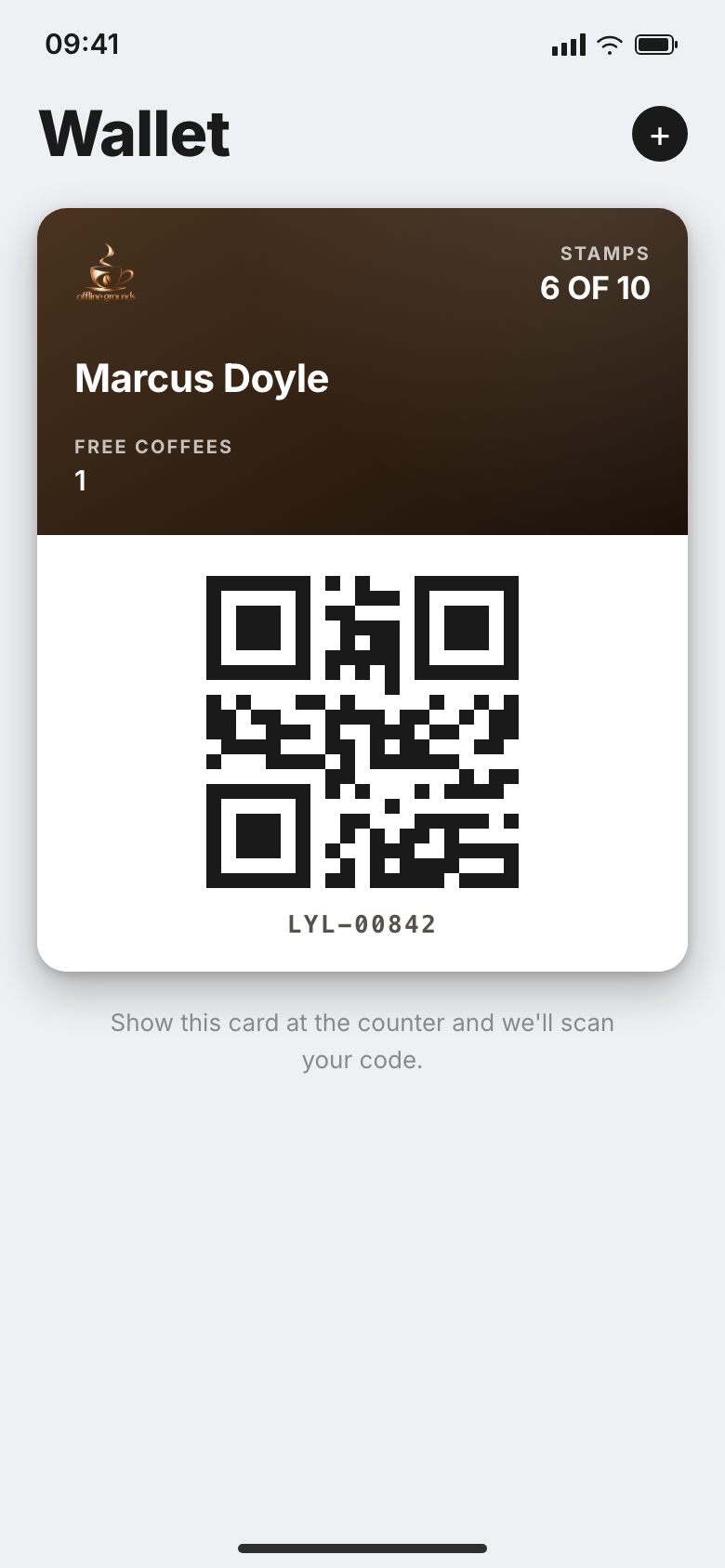
Your customers keep their loyalty card in their phone.
- Sign up by scanning your QR code. No app to download.
- Points or stamps on a card in Apple Wallet or Google Wallet.
- Scan the card at the till to add points and give a reward.
Sell gift vouchers online
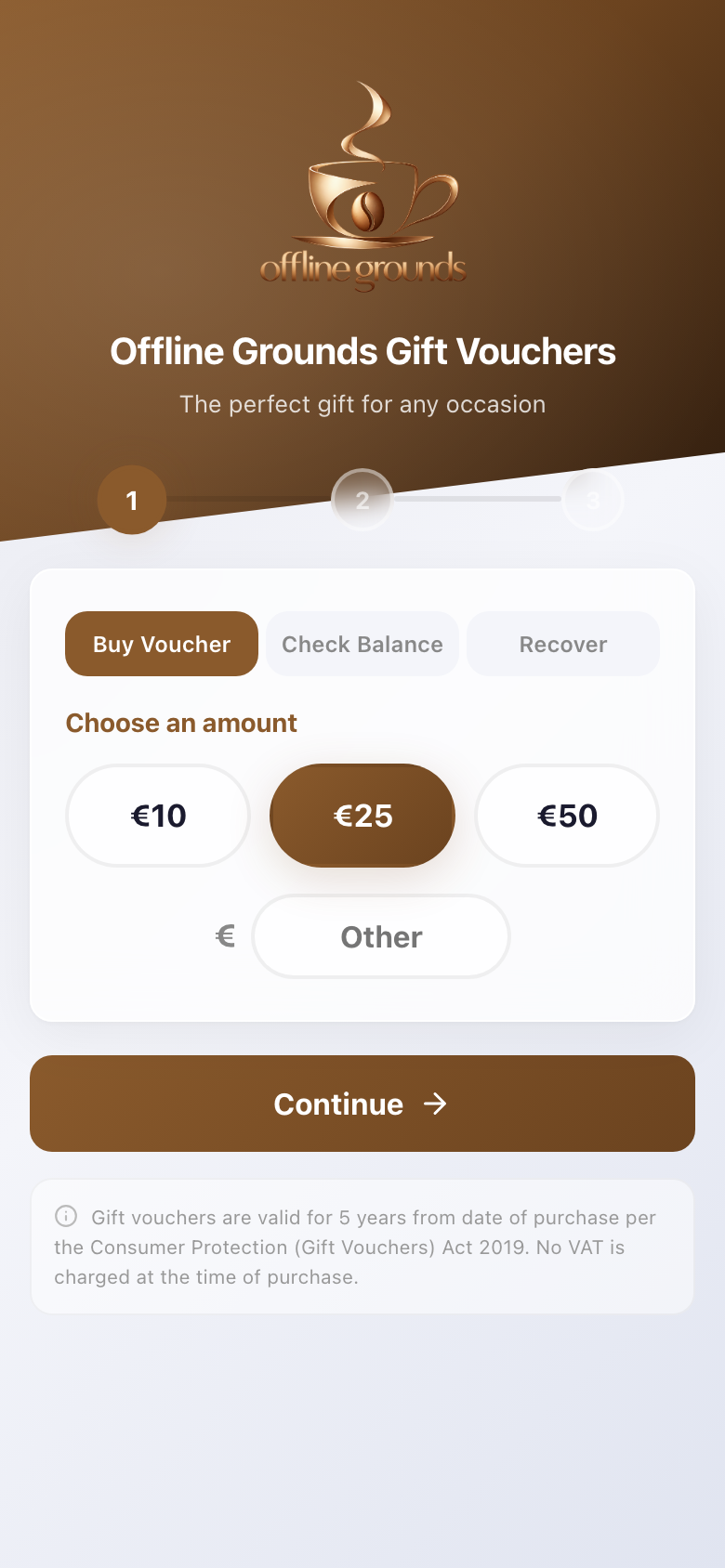
Your customers buy gift vouchers from your own page.
- Buy on your own page, paid by card, Apple Pay or Google Pay.
- Money goes straight into your bank account.
- Take it at the till. Any balance left stays on the voucher.
Your own order page
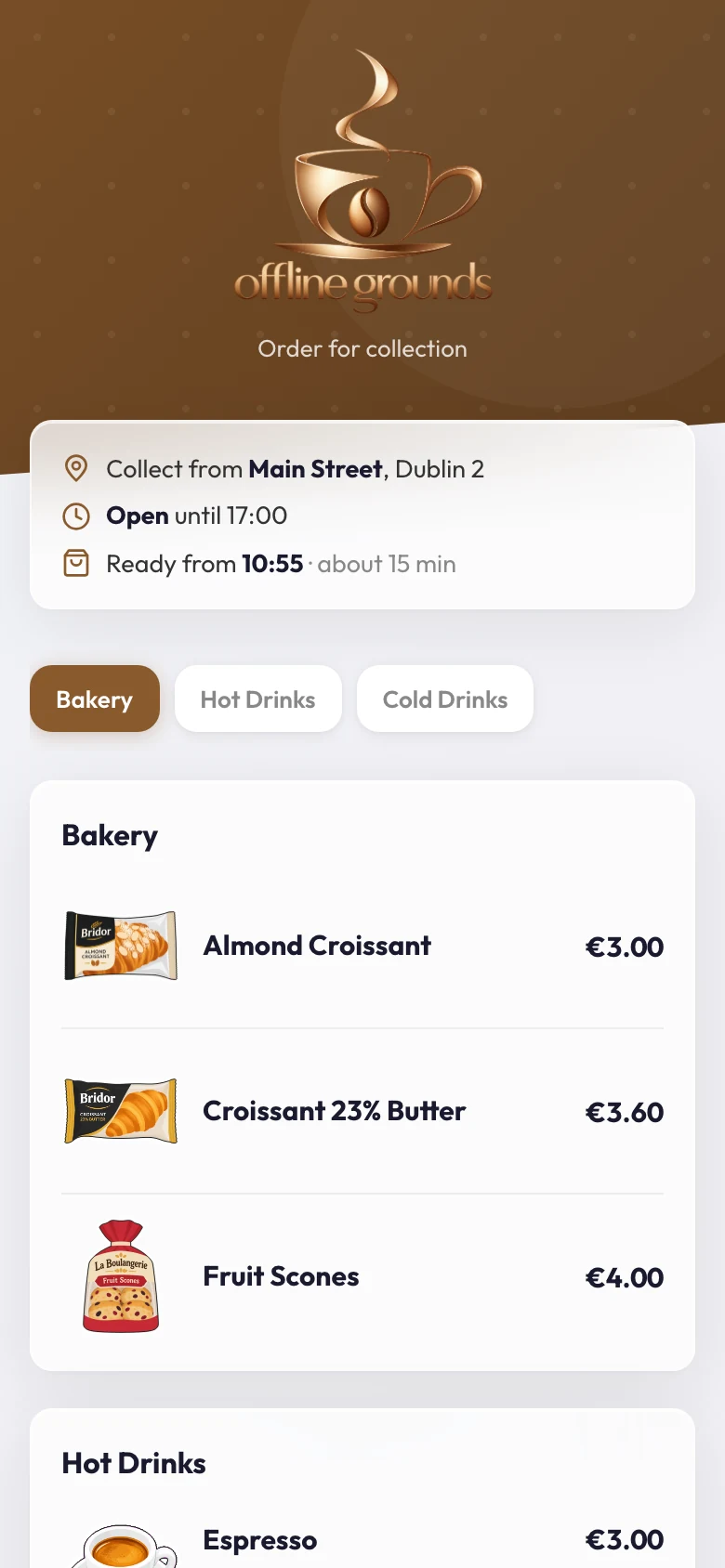
Your customers order for collection from your own page.
- Your menu, your pictures and your opening hours.
- The order lands on the till and the kitchen screen.
- The customer can follow it until it is ready.
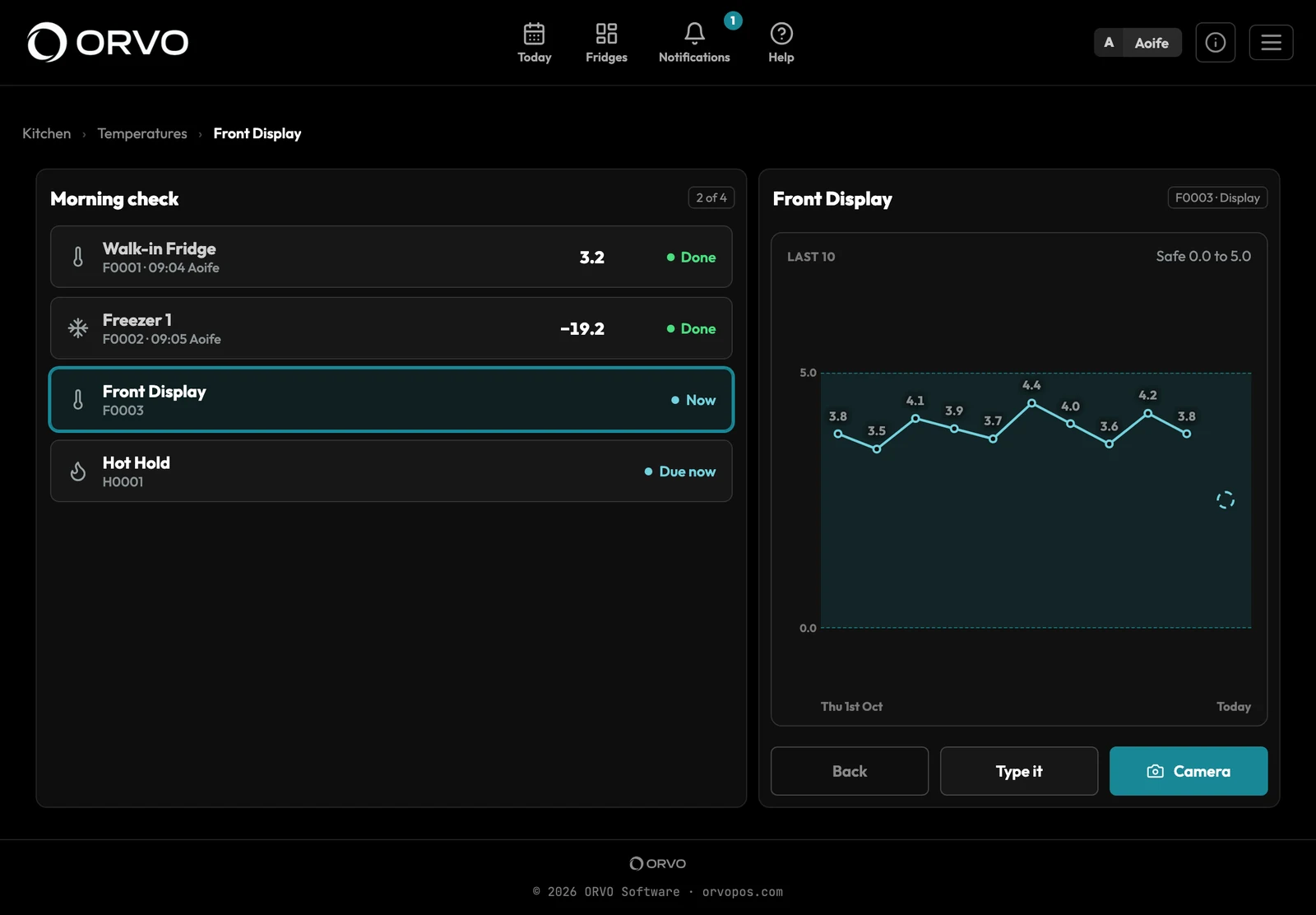
Photograph the probe. ORVO reads it.
Staff take a photo of the probe at each fridge and freezer. ORVO reads the temperature and keeps the record.
- Cooking and cooling, cleaning sheets and deliveries checked at the door.
- A reading out of range asks what was done about it.
- Batches traced from the delivery to the plate.
Add what your shop needs
Each add-on works on either plan. Take one, some or none.
ORVO Loyalty
Points and rewards on a wallet pass. The till scans the card and the reward comes off the bill.
ORVO Vouchers
Sell gift vouchers from your own page. Each one is a wallet pass, taken at the till.
ORVO Staff
Rosters, clocking in and out, holiday requests, shift swaps and wage cost.
ORVO Stock
Supplier orders, docket reading with ORVO Vision, deliveries and stock takes.
ORVO Online
Customers order for collection from your own page. The order lands on the till and the kitchen screen, and they can follow it until it is ready.
ORVO Hygiene
Your food safety records: fridge and freezer temperatures read from a photo of the probe, cooking and cooling, cleaning sheets, deliveries checked at the door and batches traced.
Coming next: ORVO Delivery.
Two plans
Prices are not on the site yet. Get in touch and we will go through it with you.
- The full till, the kitchen screens and the customer display
- Your owner website and reports
- Menu, recipes and costing
- Any add-on you want
- Everything in Starter, for every shop, in one login
- A written summary of your day and your week
- Competitor price searches
On the App Store and Google Play
Download them from the App Store or Google Play. Each one links to your ORVO account.
ORVO Cloud POS
The till, the kitchen screen and the customer display, on a tablet or phone.
ORVO Vision
Scan supplier dockets on your phone. They land in your stock inbox.
ORVO Authenticator
Approve each sign-in to your owner website from your phone.
Get in touch.
Running daily in a real shop. Questions, prices, or a look at ORVO on your own menu: we'd love to hear from you.
hello@orvopos.com